A ONE-HOUR PHOTO LAB FOR TINY CAMERAS
FILM, DITHER, FRAMES AND TAPE FOR YOUR KODAK CHARMERA
Plug the camera in, pull the shots off its card and give them film grain, dithers, borders and VHS tape. Free, and nothing leaves your laptop.
 Download for MacFree · macOS 11 or later
 WindowsComing soon
FILM · DITHER · FRAMES · VIDEO FX · 3 THEMES
 Before and after - Tiny Lab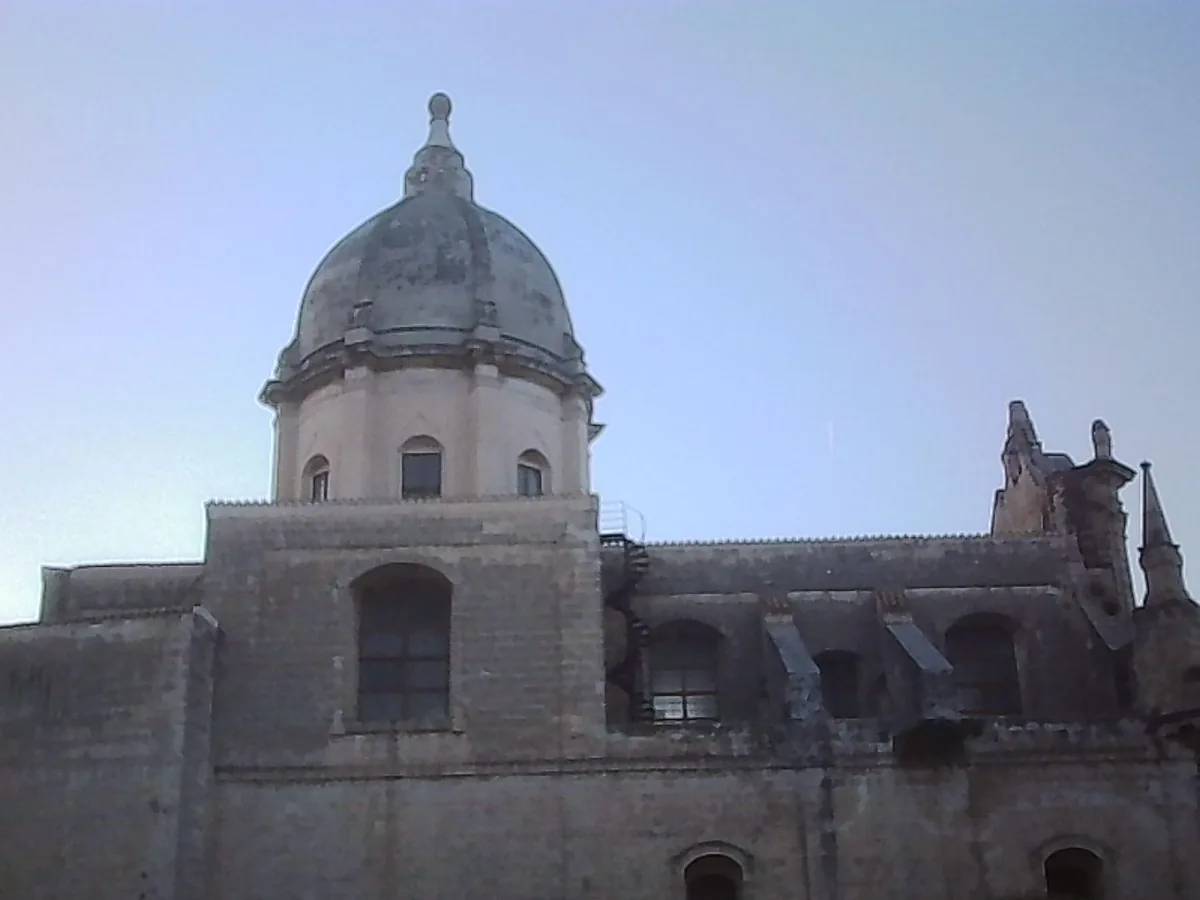
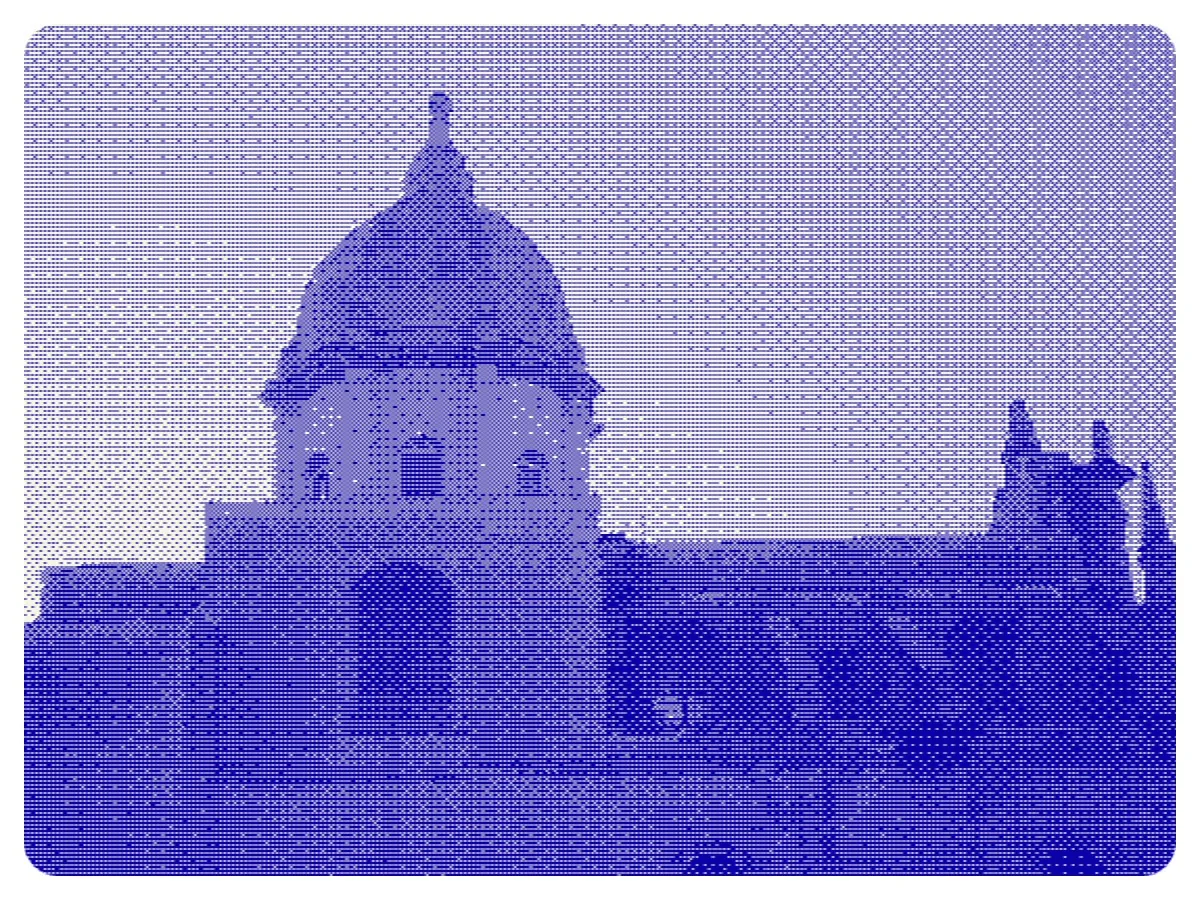
HOW IT WORKS
-
STEP8801

PLUG IN
Plug the camera in, or put its card in a card reader. Tiny Lab sees it by itself.
-
STEP8802
IMPORT
New shots and clips copy into a roll on your laptop. The card stays as it is.
-
STEP8803

PLAY
Film, dither, filters, frames and tape. Your originals never change.
5 FILM STOCKS
Each one has its own colour, contrast and glow round bright lights. Pick one, then set the grain.
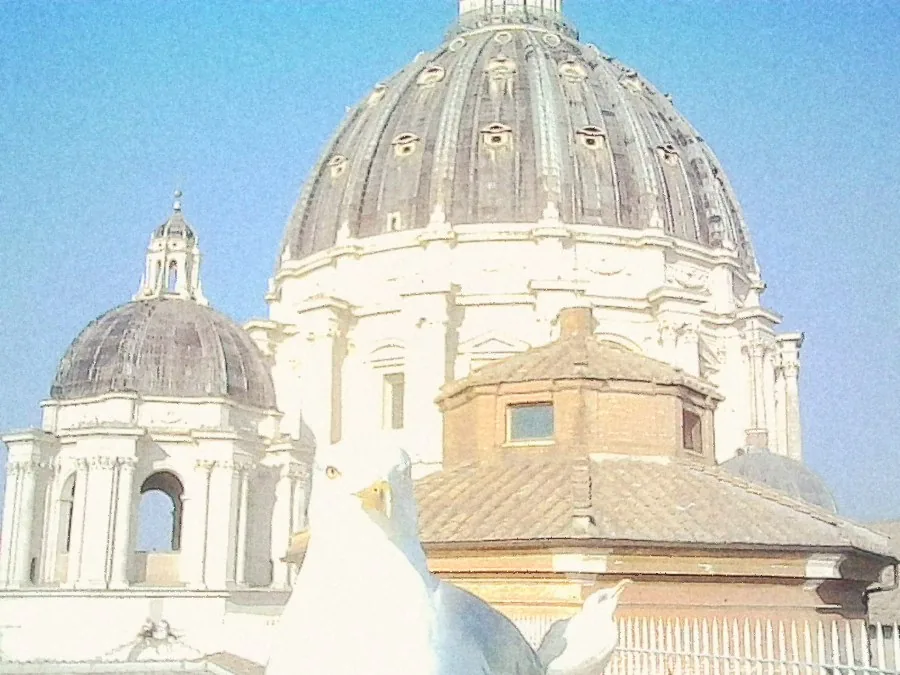 Sunny 200
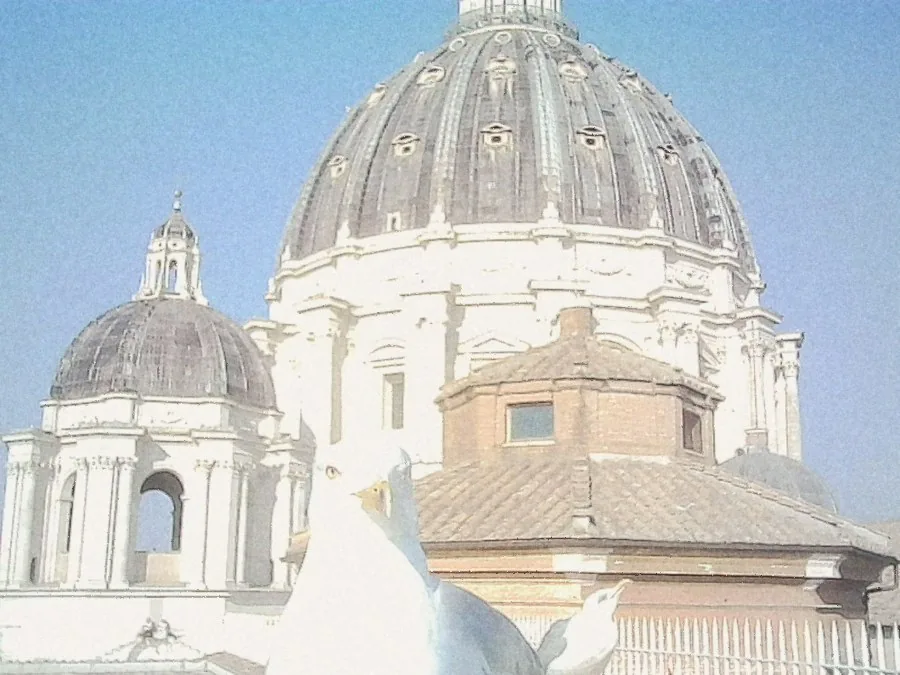 Soft 400
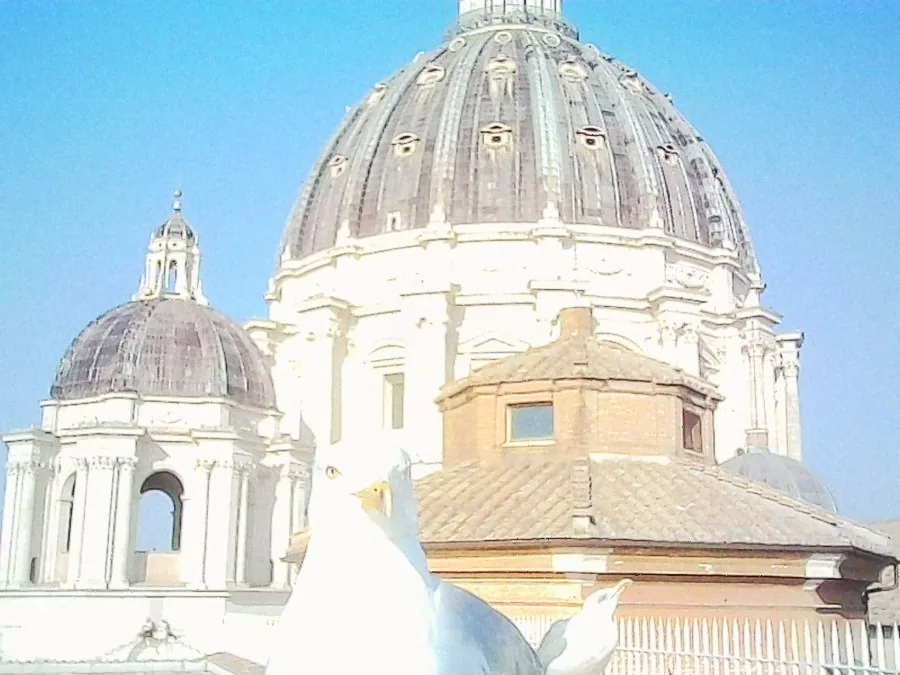 Slide 100
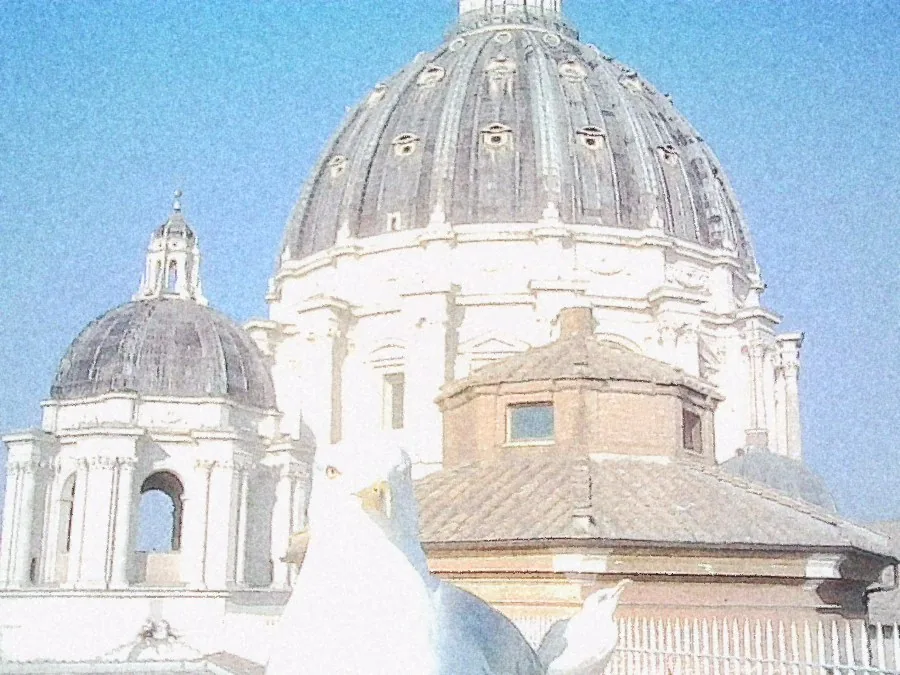 Night 800
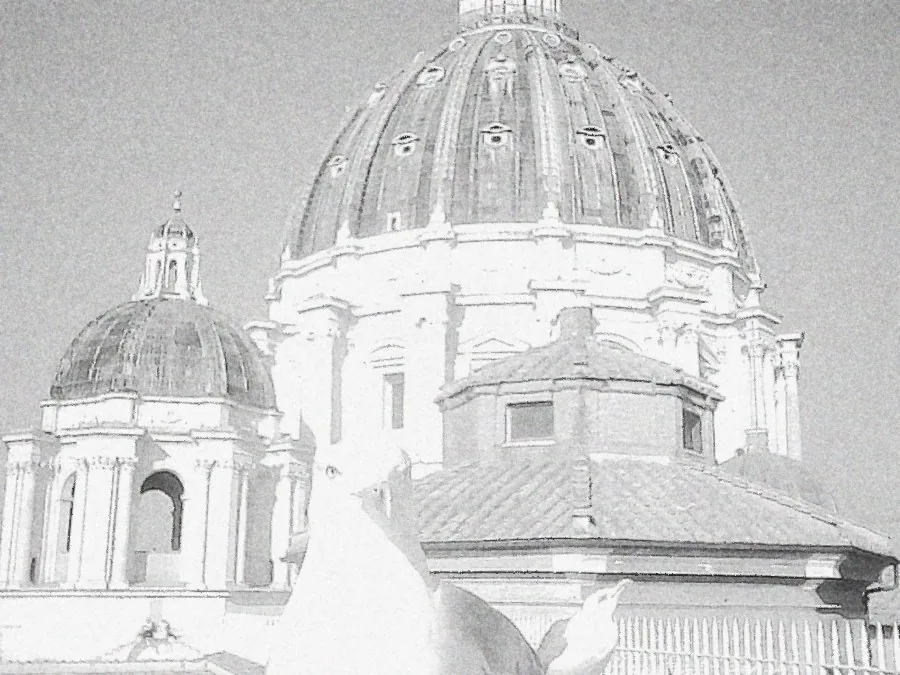 Mono 400
 Grain, 400% - Tiny Lab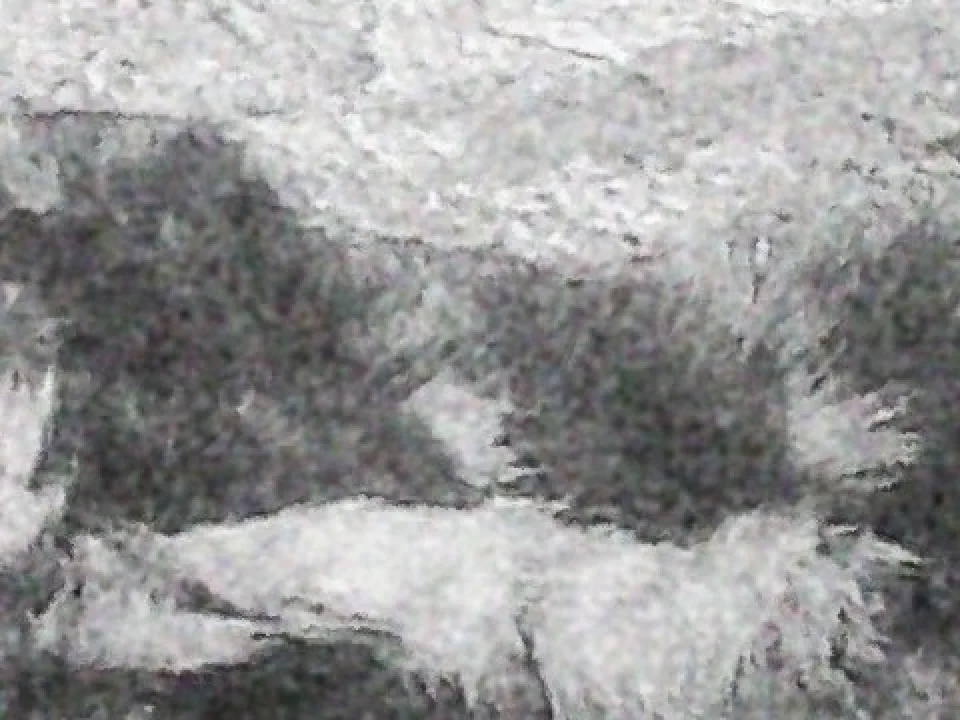
GRAIN, NOT NOISE
The grain breaks up the camera's pixels instead of sitting on top of them. Fine, medium or coarse.
PIXELS, ON PURPOSE
Dithers turn a shot into dots: one colour, a pattern, newspaper halftone or a pocket games console. Pick the ink and the paper.
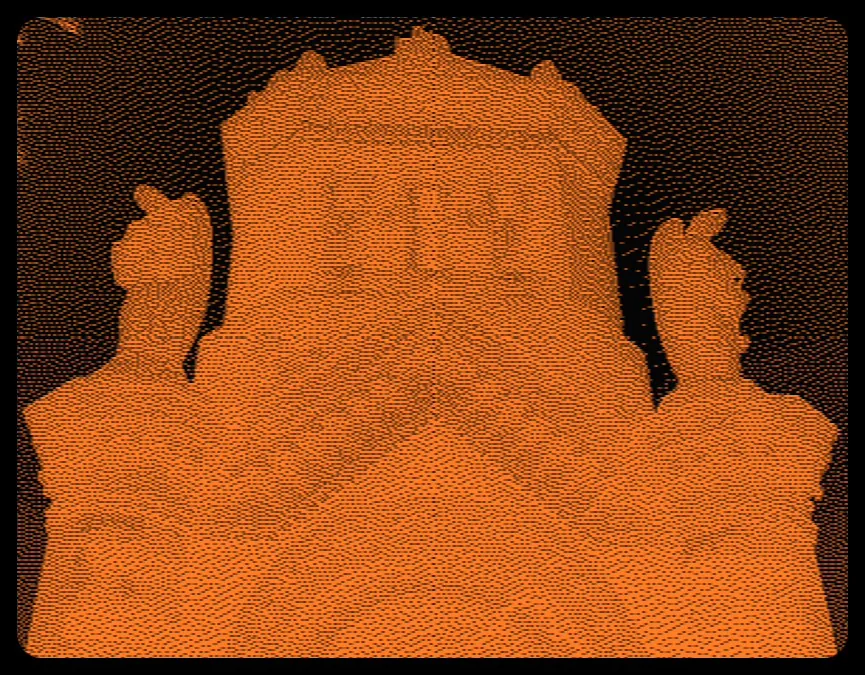
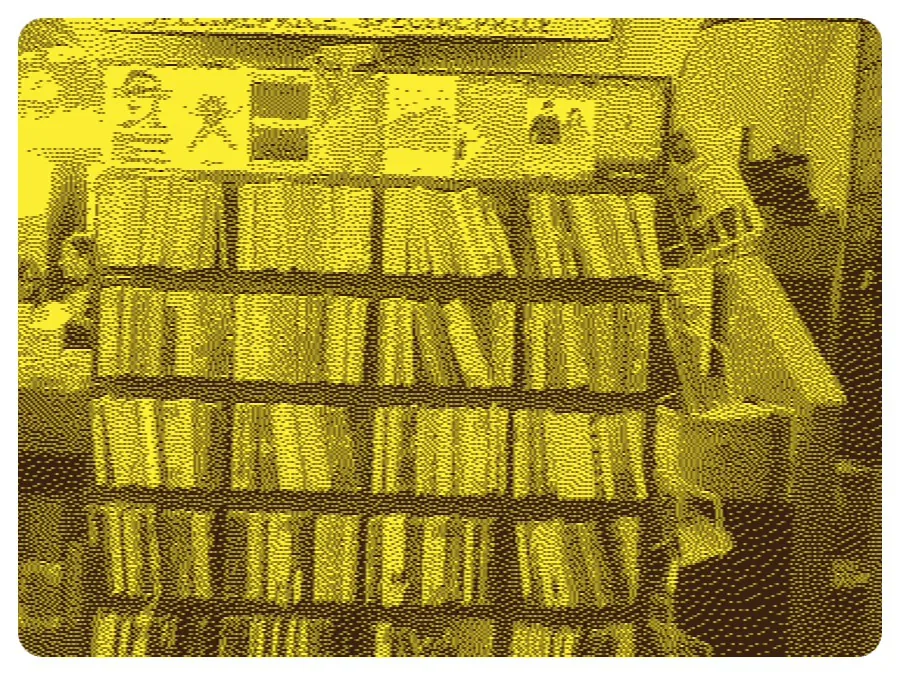
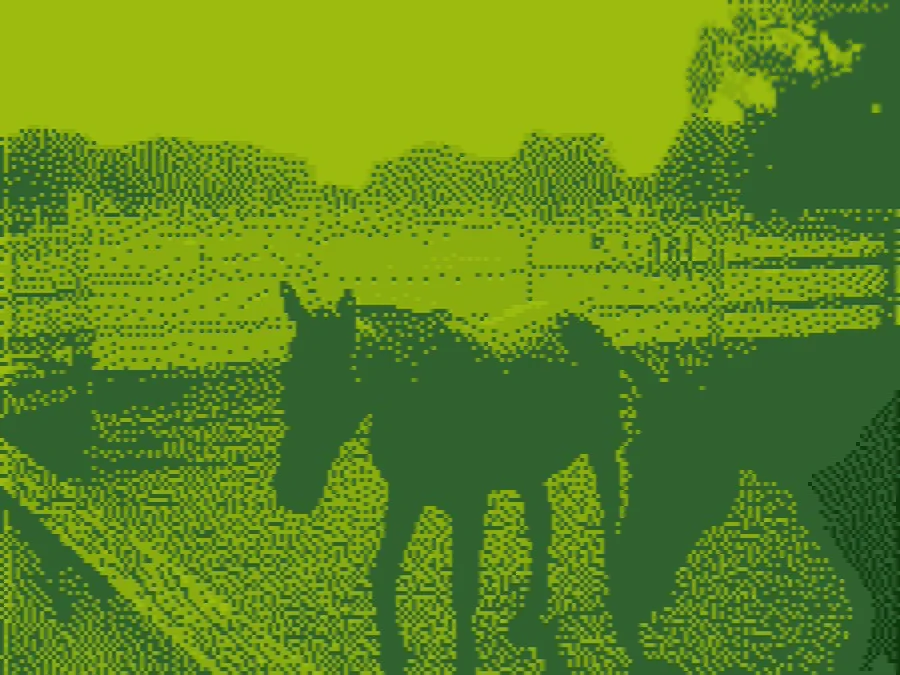
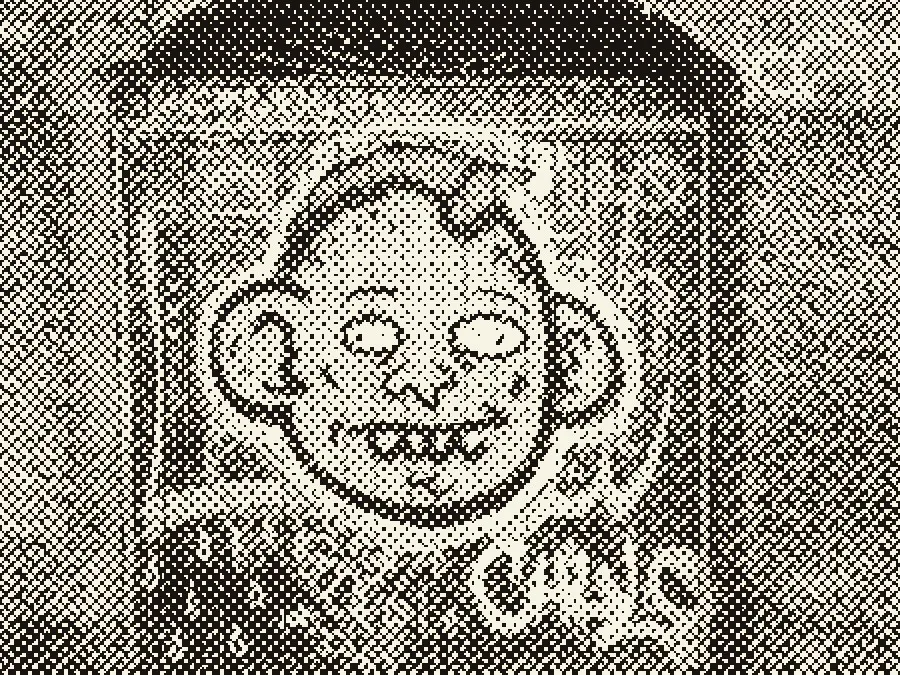
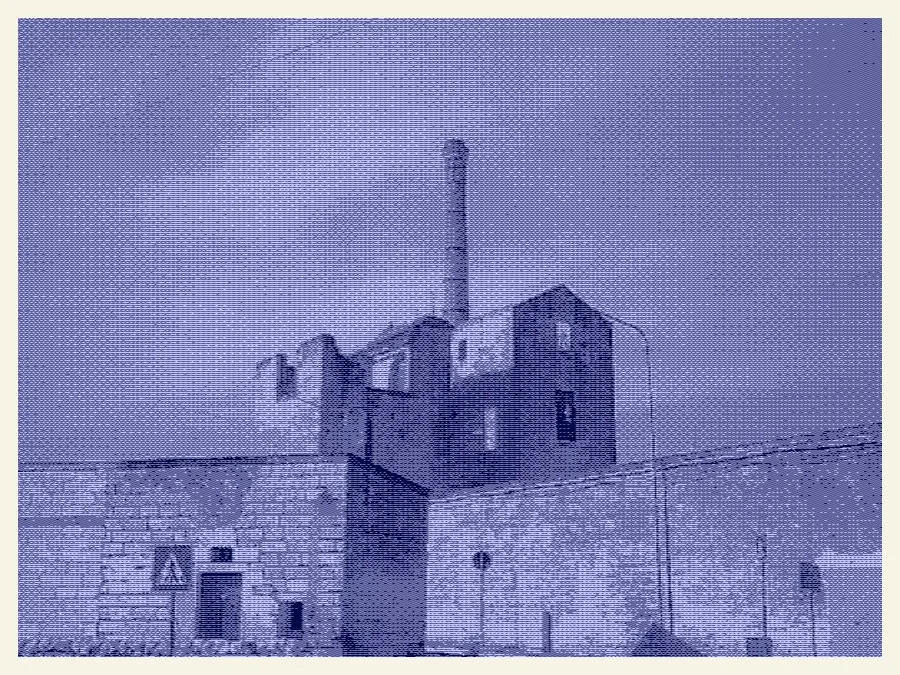
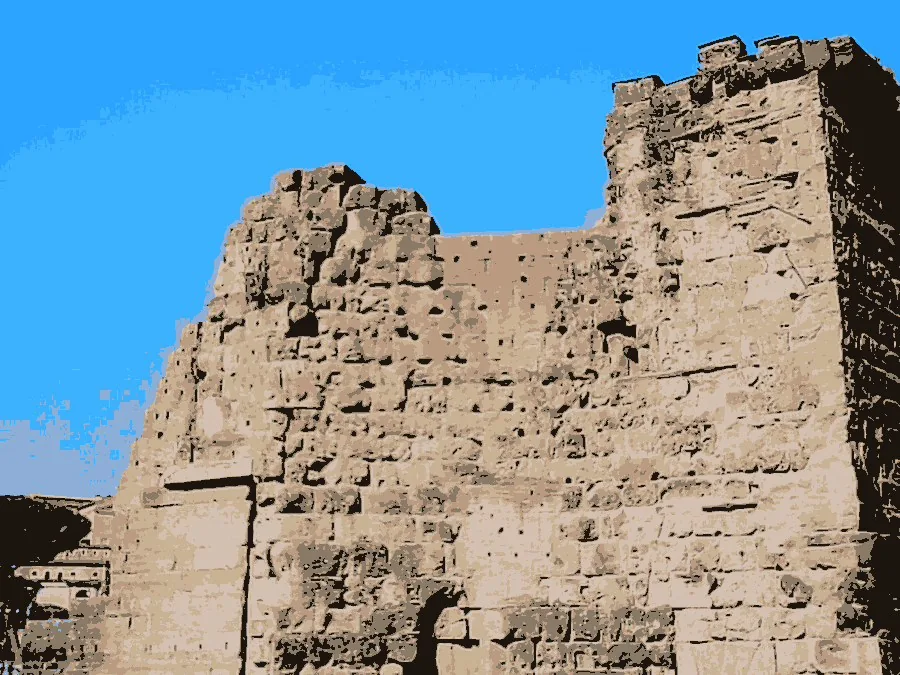
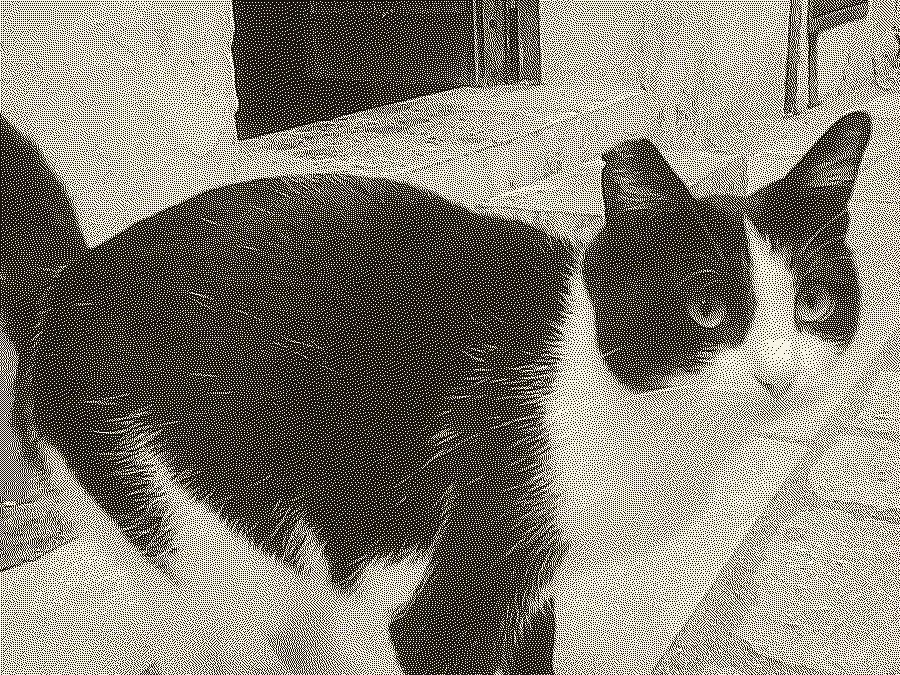
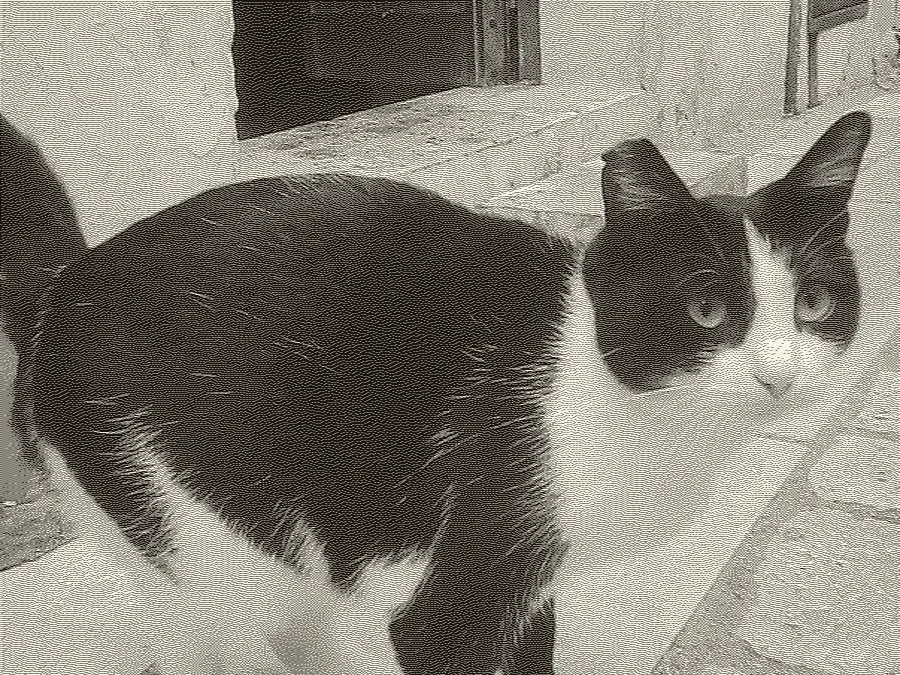
Soften blends the dots into smooth tones, so the picture is easier to make out.
MAKE YOUR OWN
Make filters from colour, tint and contrast, and borders from any picture. Save a whole look as a preset and use it in one click.
FRAMES AND THE DATE
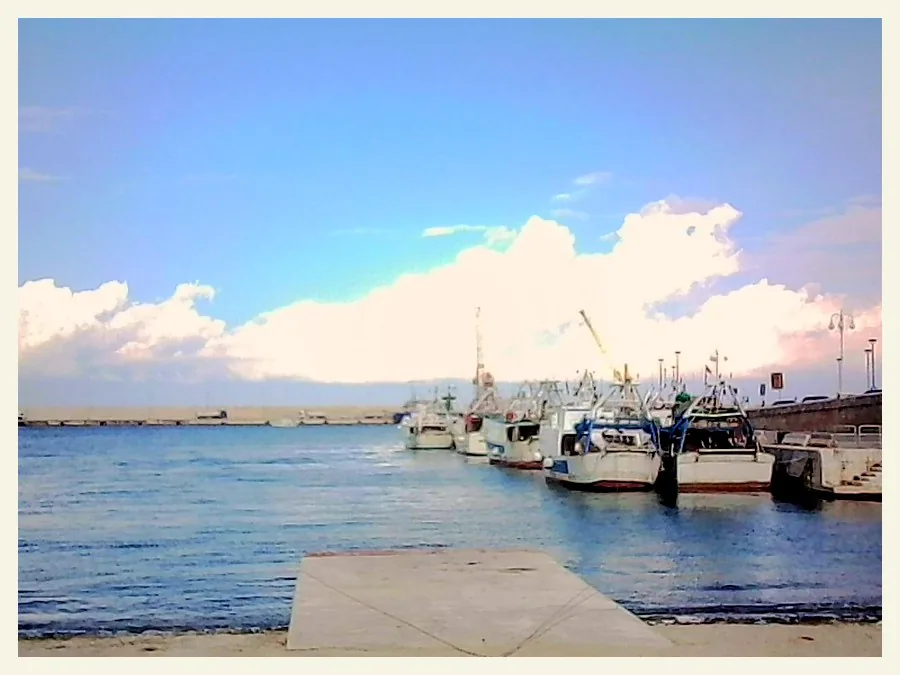
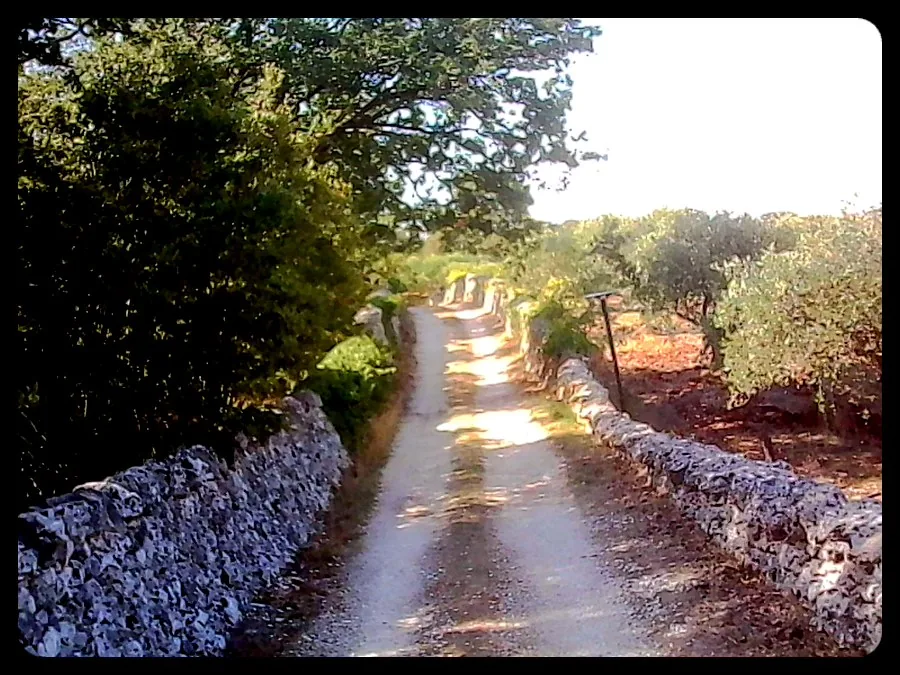
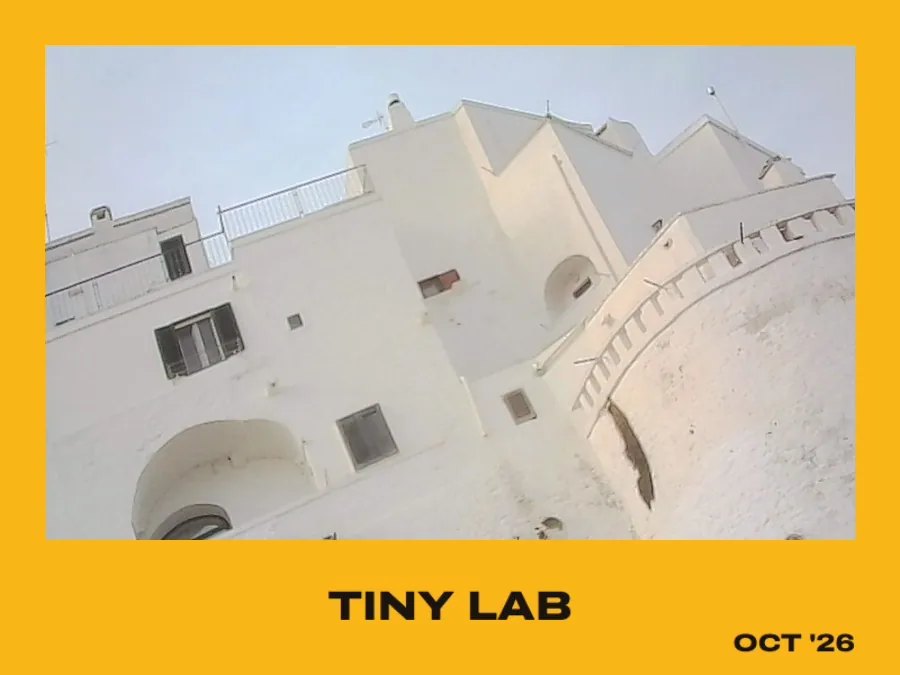
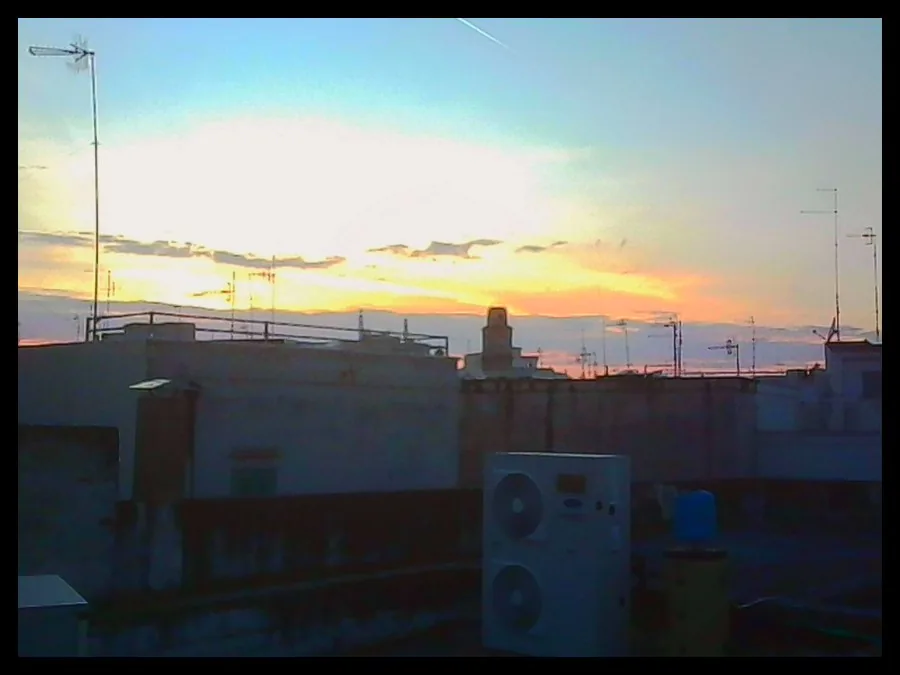
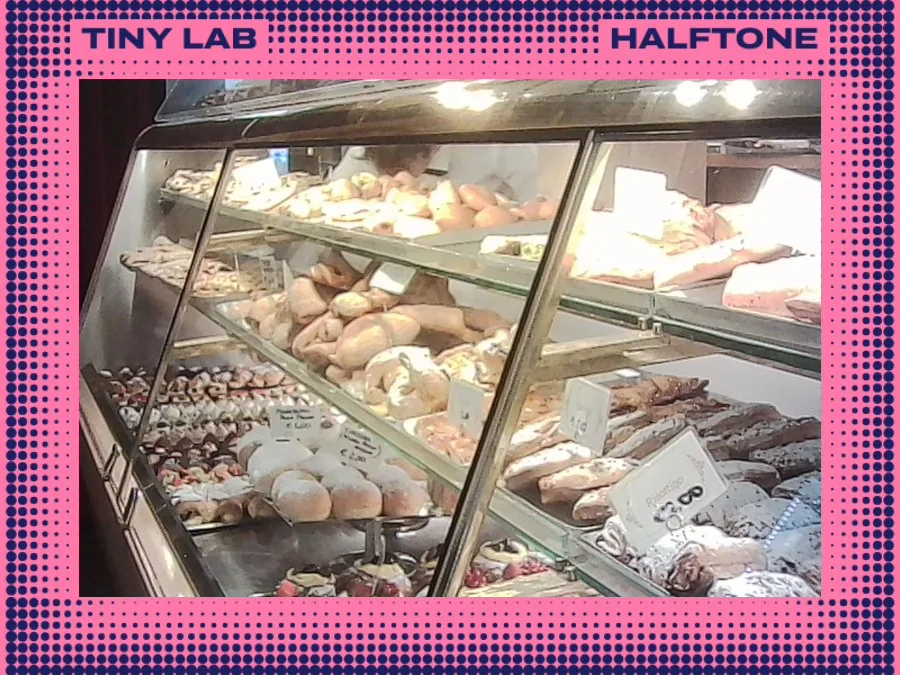
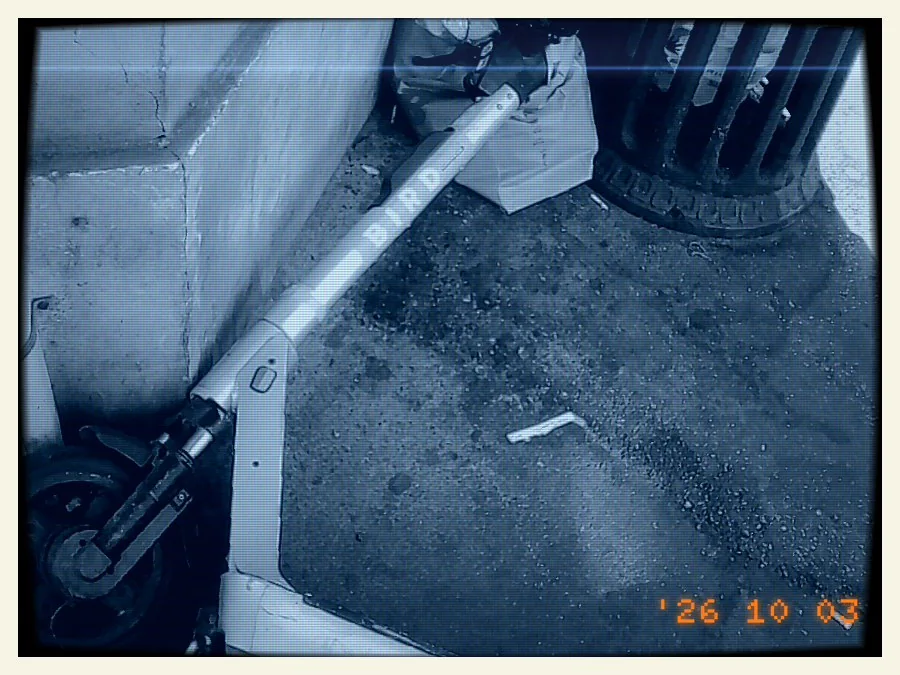
PRESETS
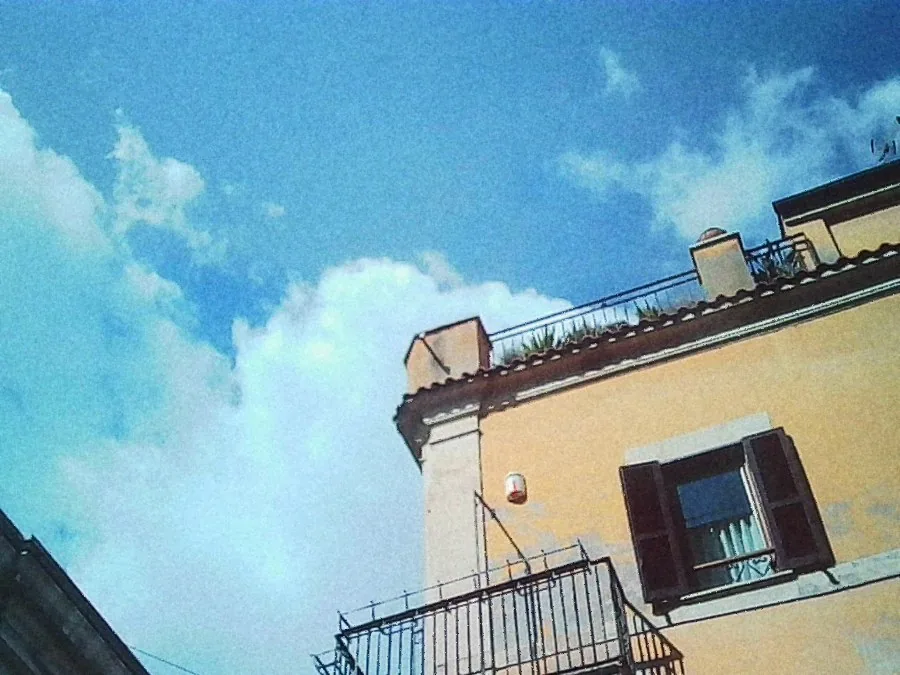 Sunny film
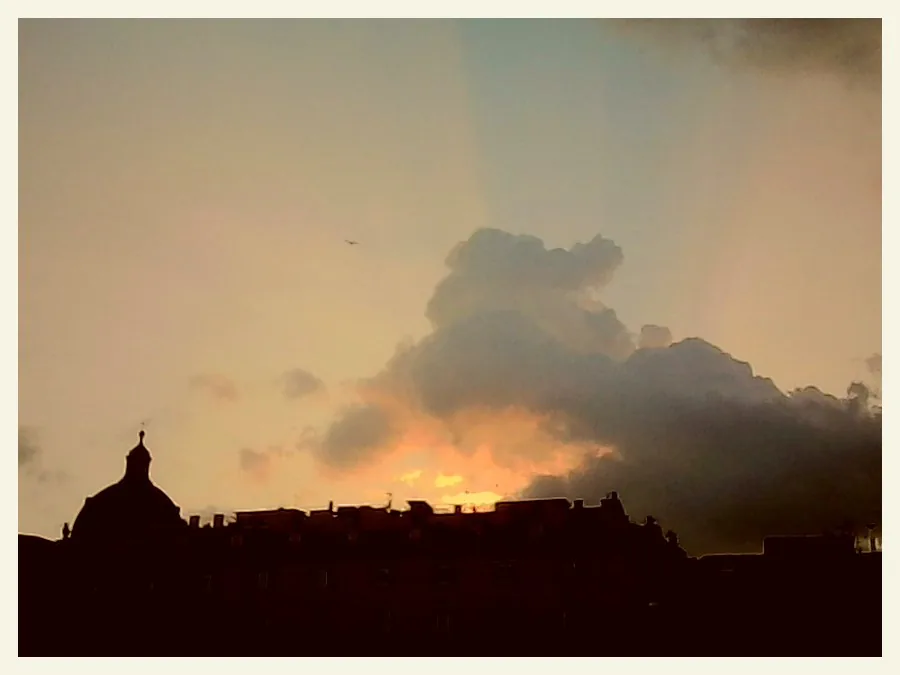 Golden border
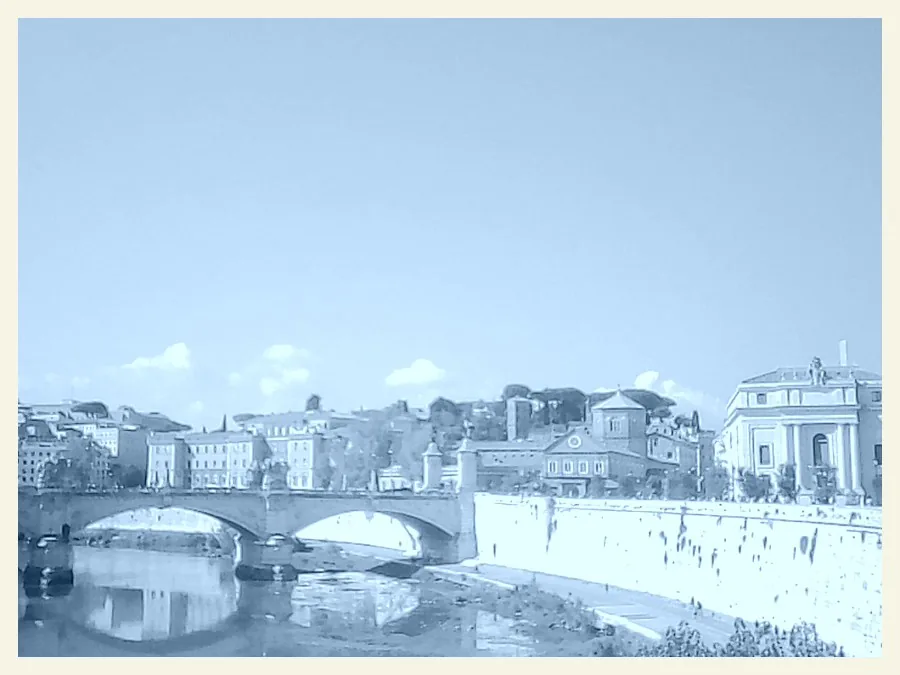 Cyanotype
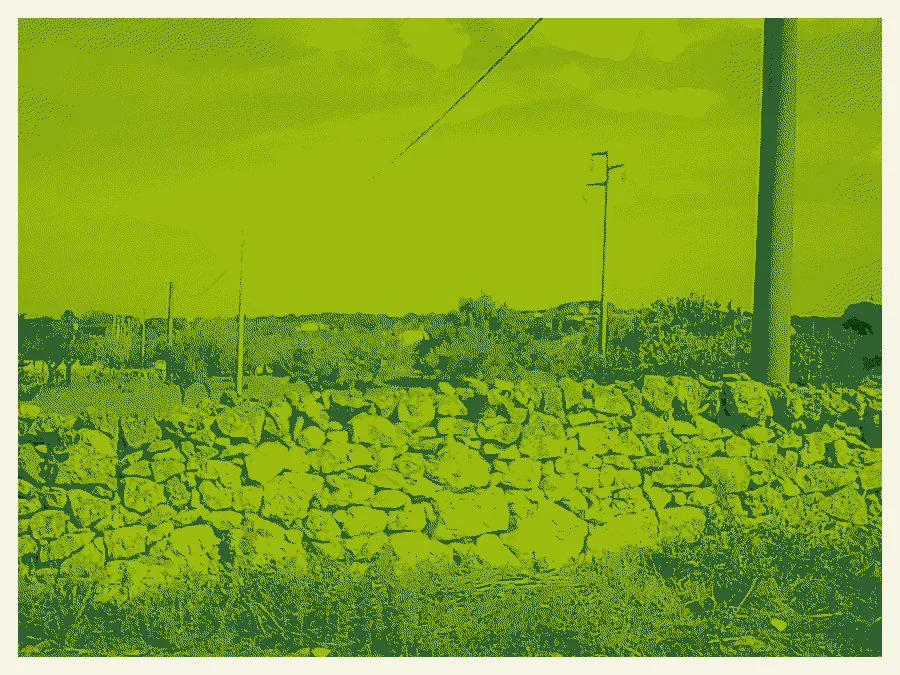 Game Boy
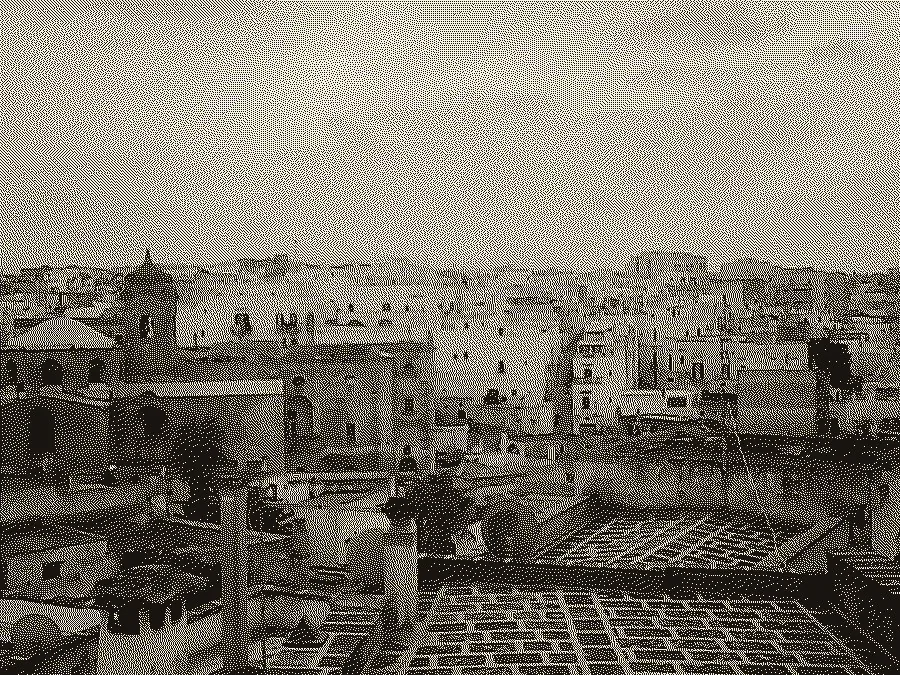 Ink 1-bit
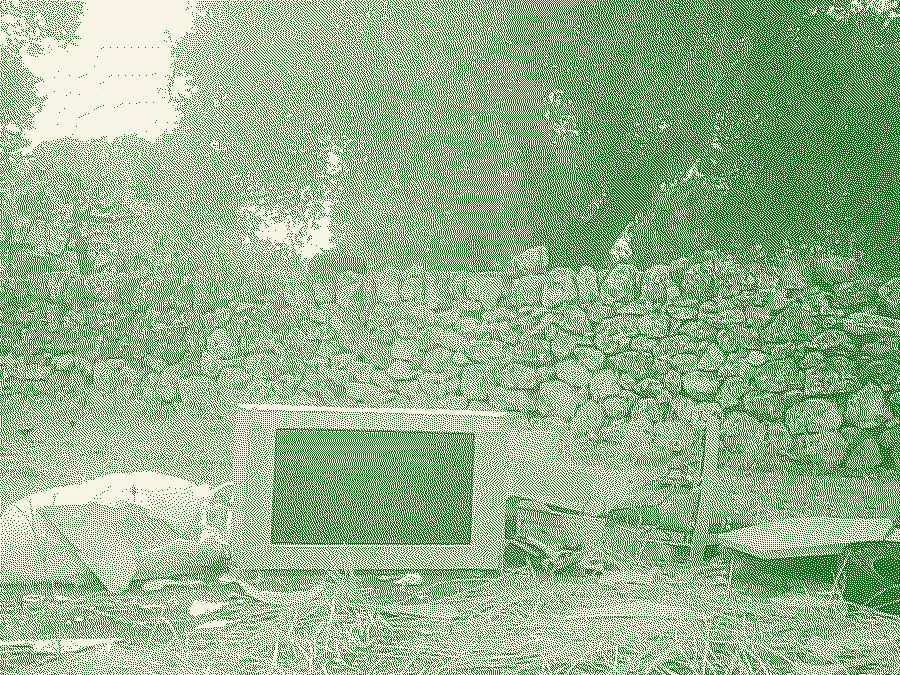 Night tape
VIDEO FX
The Charmera films little AVI clips. Tiny Lab runs them through tape, an old TV and light trails, and saves an MP4 with the sound.
 VHS tape - Tiny Lab
- VHS tapeColour bleed, wobble, noise and the PLAY counter.
- Old TVA curved screen, scanlines and the bright band that rolls down it.
- Tube trailsBright lights leave fading tails.
- Filter and frameYour looks on a clip, with the date if you like.
TRY IT HERE
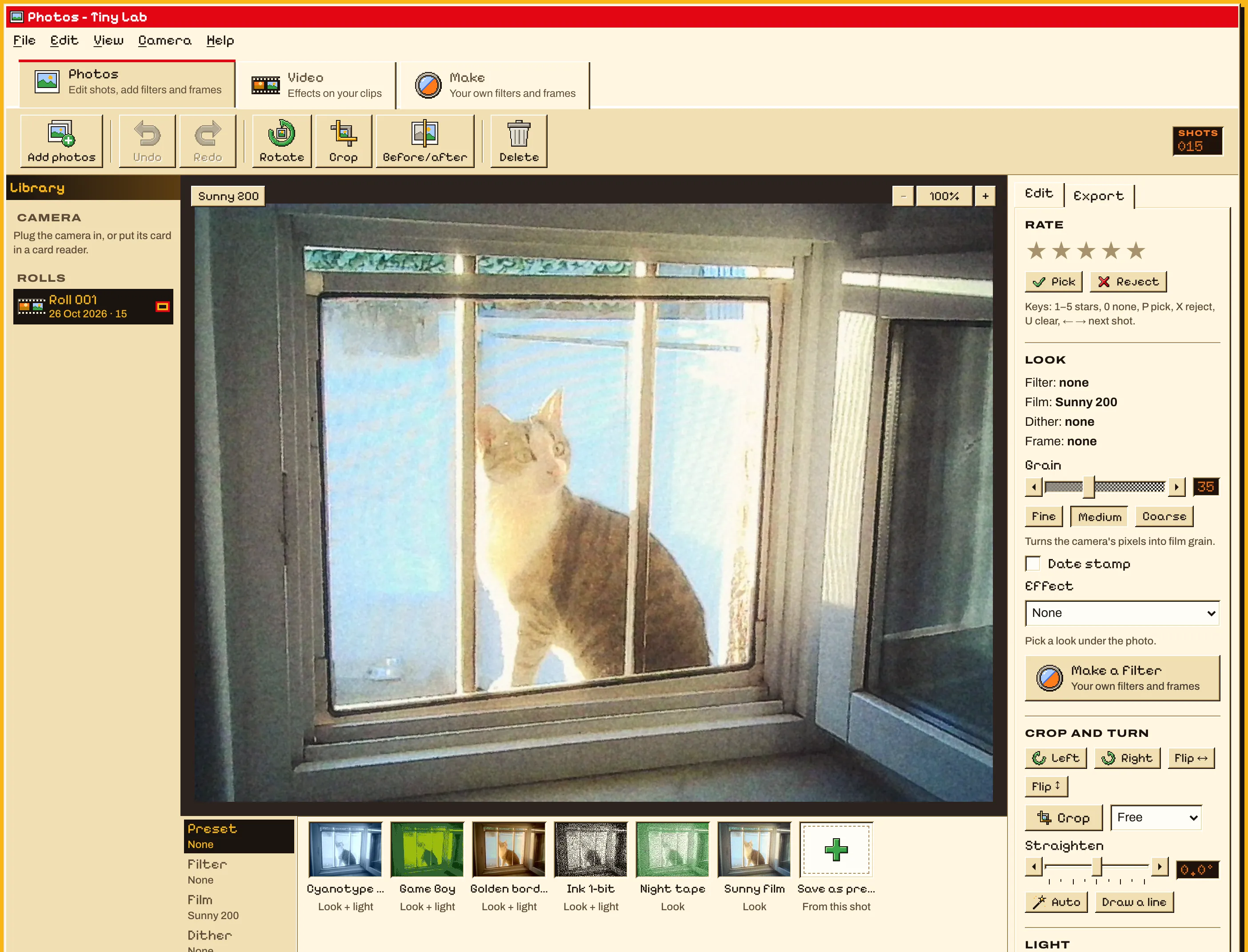
A little Tiny Lab, right here. Pick a look under the photo, slide the light, and switch between Fling '87, Darkroom and Millennium.
GET TINY LAB
For Macs with Apple chips or Intel, on macOS 11 or later. Windows is coming soon.
Download for Mac.dmg · 16 MB
WindowsComing soon
 Opening it the first time
Tiny Lab isn't signed by Apple yet, so the Mac asks before opening it.
- Open the .dmg and drag Tiny Lab into Applications.
- Open Tiny Lab. The Mac says it can't check it: click Done.
- Open System Settings › Privacy & Security, scroll down to Tiny Lab and choose Open Anyway, then Open.
You only do this once.
Keep Tiny Lab goingFREE, AND STAYING FREE
Tiny Lab is made by one person. If it makes your shots better, chip in what you like: it pays for the Apple licence that stops the "unidentified developer" warning, the domain and the next features.

QUESTIONS
Is it free?
Yes. No account, no subscription, no watermark.
Which cameras work?
It's made for the Kodak Charmera. Any camera whose card has a DCIM folder works too: JPEG photos, and AVI, MP4 and MOV clips.
Does it change my card?
No. Tiny Lab copies new shots into a roll on your laptop and leaves the card as it is. Your originals never change either: edits are kept beside them.
Is anything uploaded?
No. Everything happens on your laptop. Tiny Lab doesn't need the internet at all.
What does it export?
JPEG, PNG or WebP photos, at full size or doubled with crisp pixels for posting. Clips come out as MP4 with sound.
When is Windows coming?
Soon. It's built and being tested.
 Send feedback